Changelog

Leather supports USDCx as a default asset

USDCx now supported as a default asset

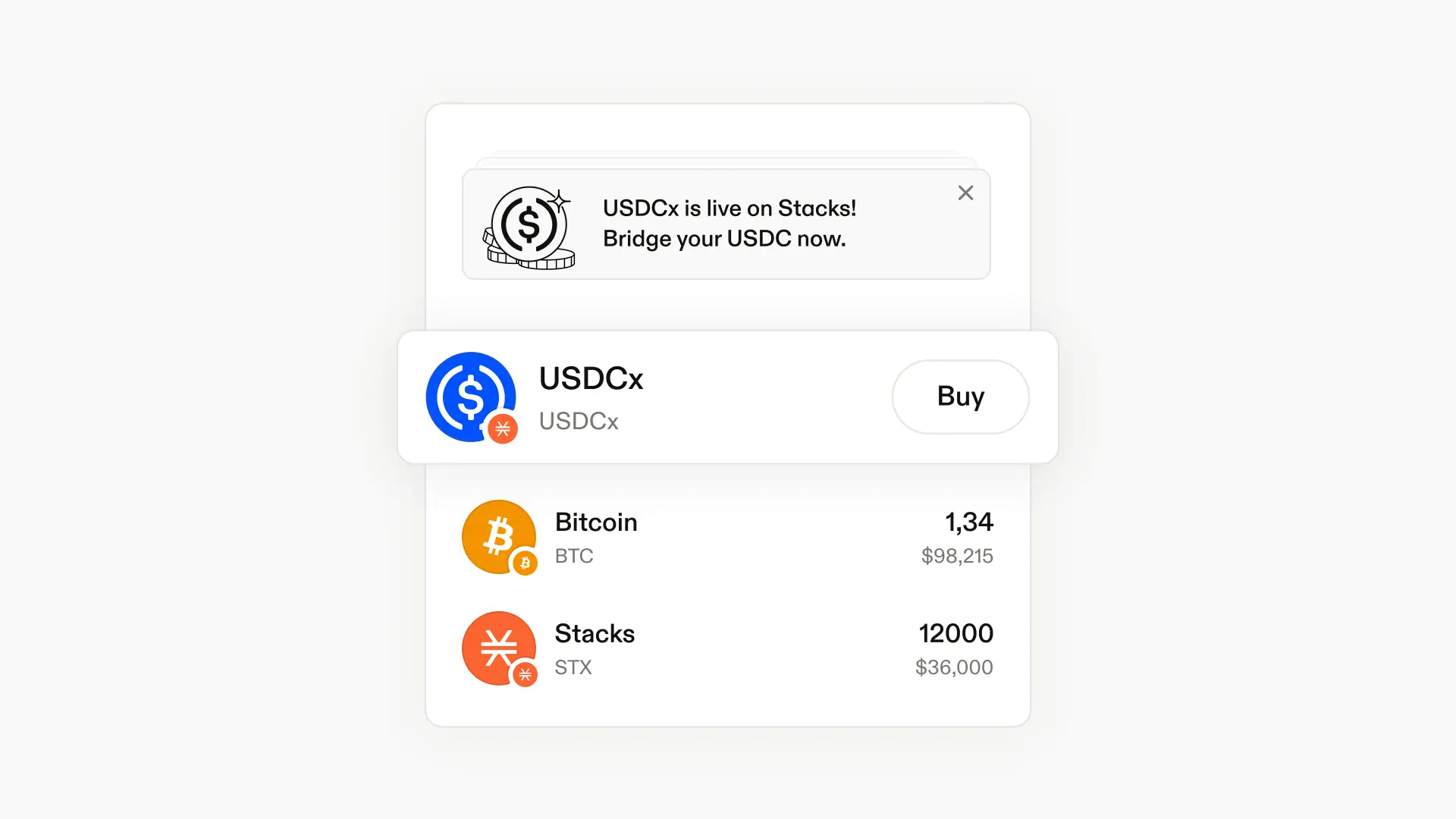
USDCx balances now appear automatically in your wallet with accurate fiat pricing.

We've added USDCx to the default asset list and positioned it prominently so you can track your stable coin balance without any
extra setup.

The wallet now loads USDCx balances alongside your other assets, complete with real-time price data.

One less token you need to manually add.

USDCx now available on Stacks

USDCx, a USDC-backed stablecoin, is now live on Stacks—and fully supported in Leather.

USDCx is issued on Stacks and backed 1:1 by USDC held in Circle xReserve. It's interoperable with USDC across supported chains without relying on third-party bridges, giving you a trusted dollar-denominated asset for the Stacks ecosystem.

What you can do with USDCx

Hold and manage in Leather
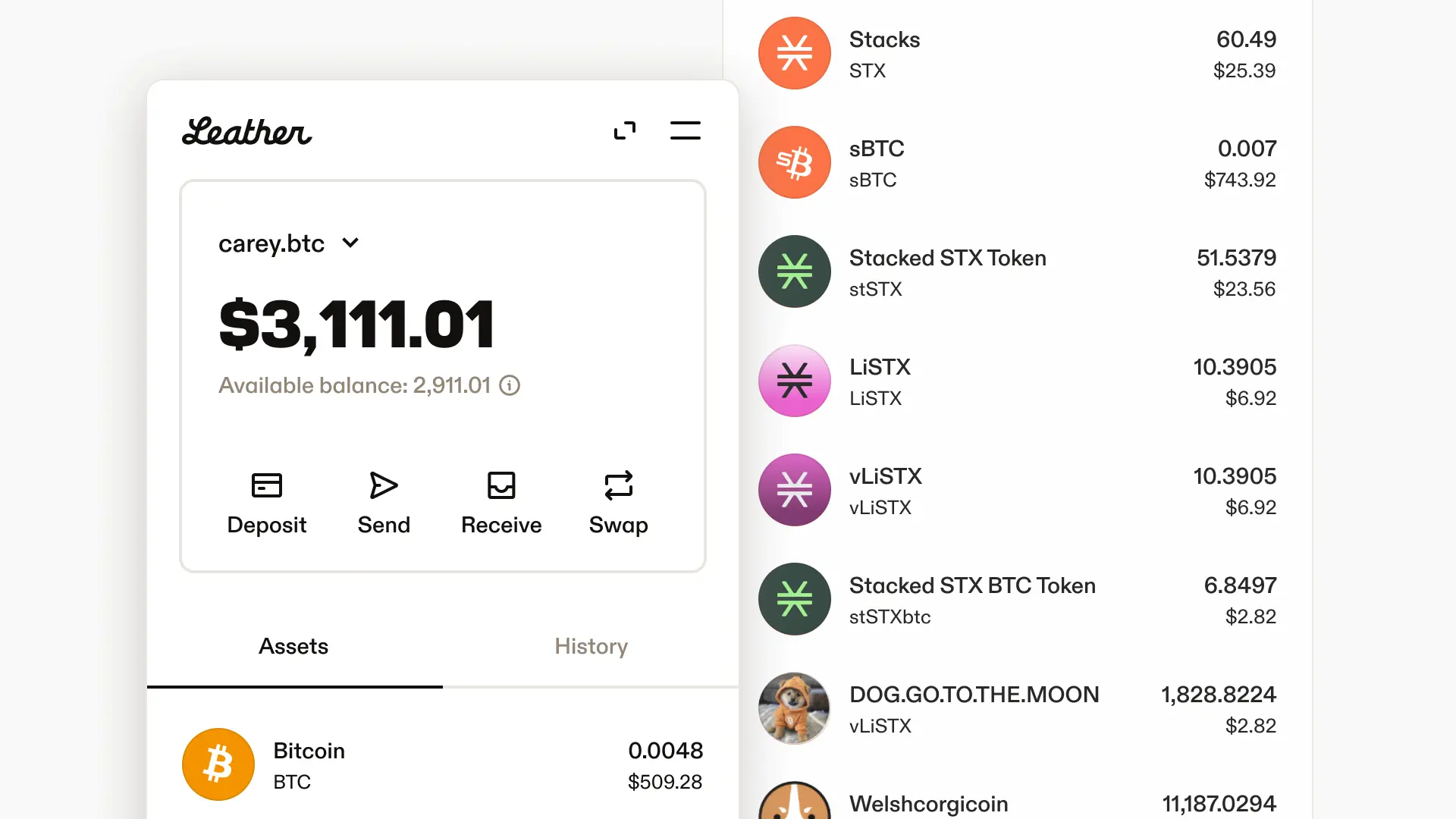
View your USDCx balance alongside your other Stacks tokens in both the browser extension and mobile app.

Use across Stacks DeFi
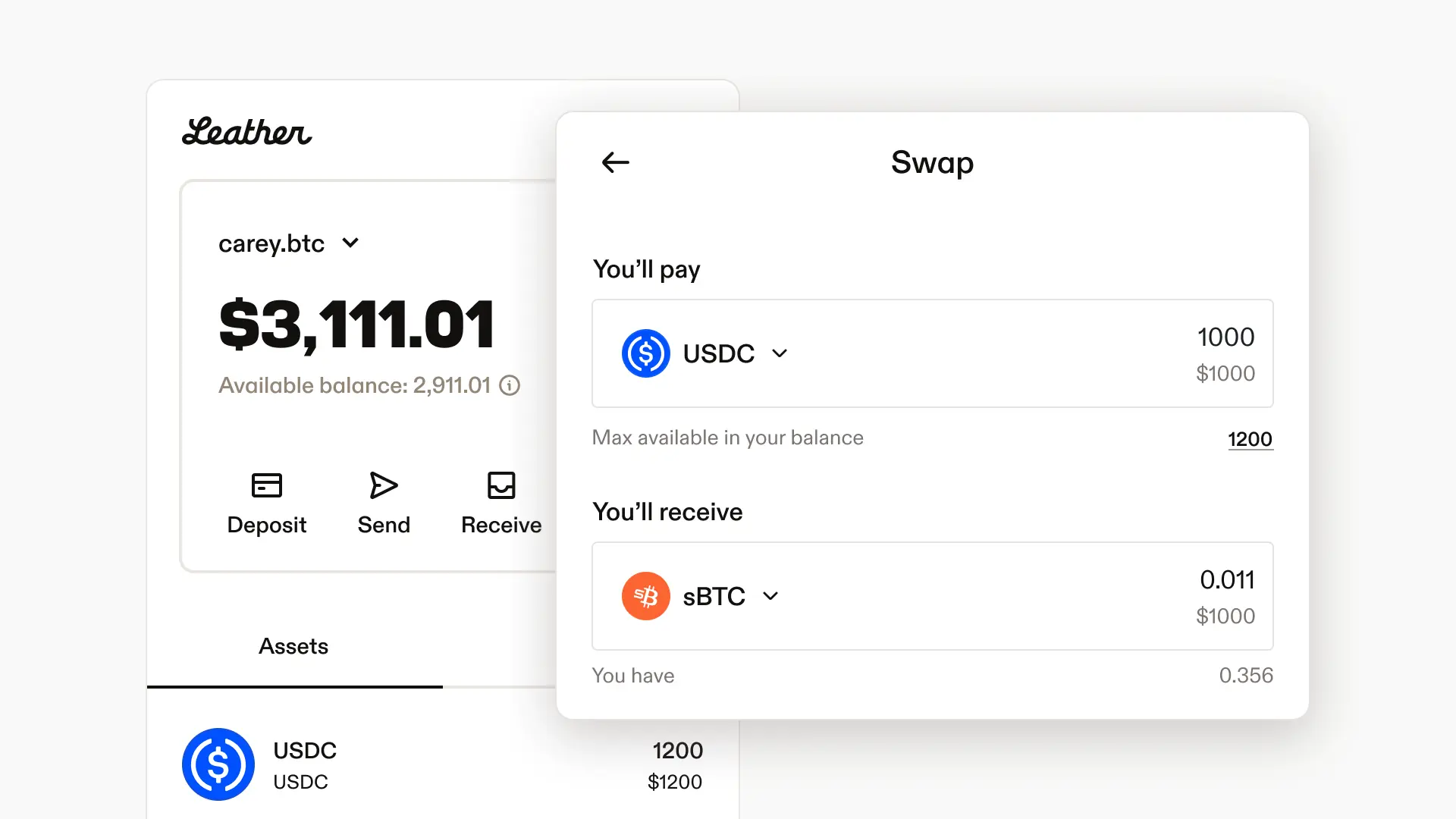
Swap, provide liquidity, or use USDCx as collateral in apps like Bitflow and Granite.

Bridge from other chains
Bring USDC from supported networks to Stacks via the Stacks bridge.

For more details on how USDCx works, check out the Stacks onboarding documentation.

Improved STX and BTC onramps with Onramper

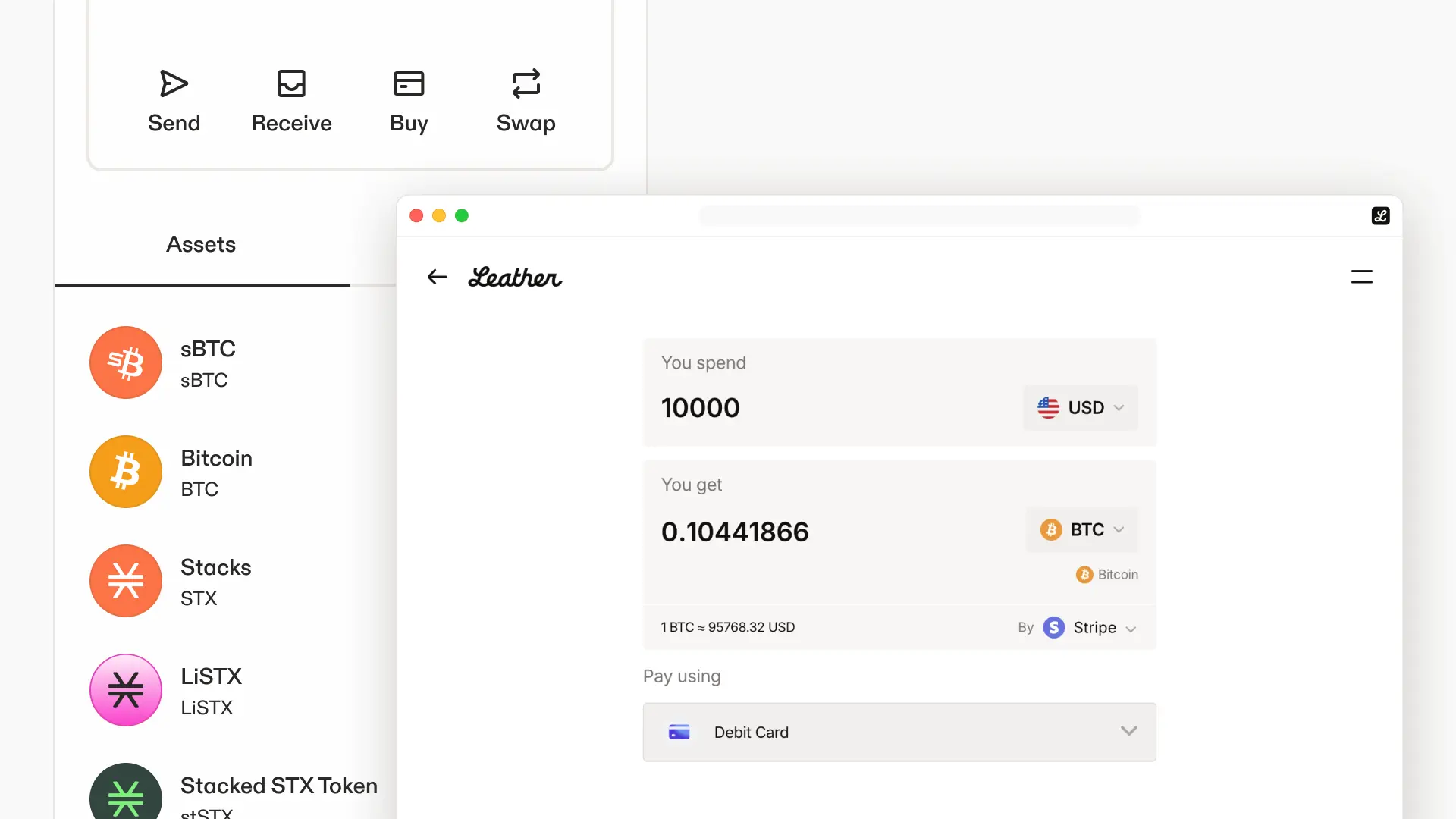
We've given our crypto buys a facelift with a new partnership with Onramper, providing unified onramps through vendors like Topper, Stripe, Moonpay and more.

This provides users a much needed update to the options they have for buying crypto through our product. Users can now choose between many payment methods like Apple Pay, Google Pay, Debit Card, Venmo based on what is most convenient for you.

Web Portfolio

Web Portfolio

See your full BTC and STX portfolio in one place

Knowing what you own shouldn't require mental math across multiple screens. Now you can see everything in one view. Check out the new features by connecting your wallet at https://app.leather.io/portfolio!

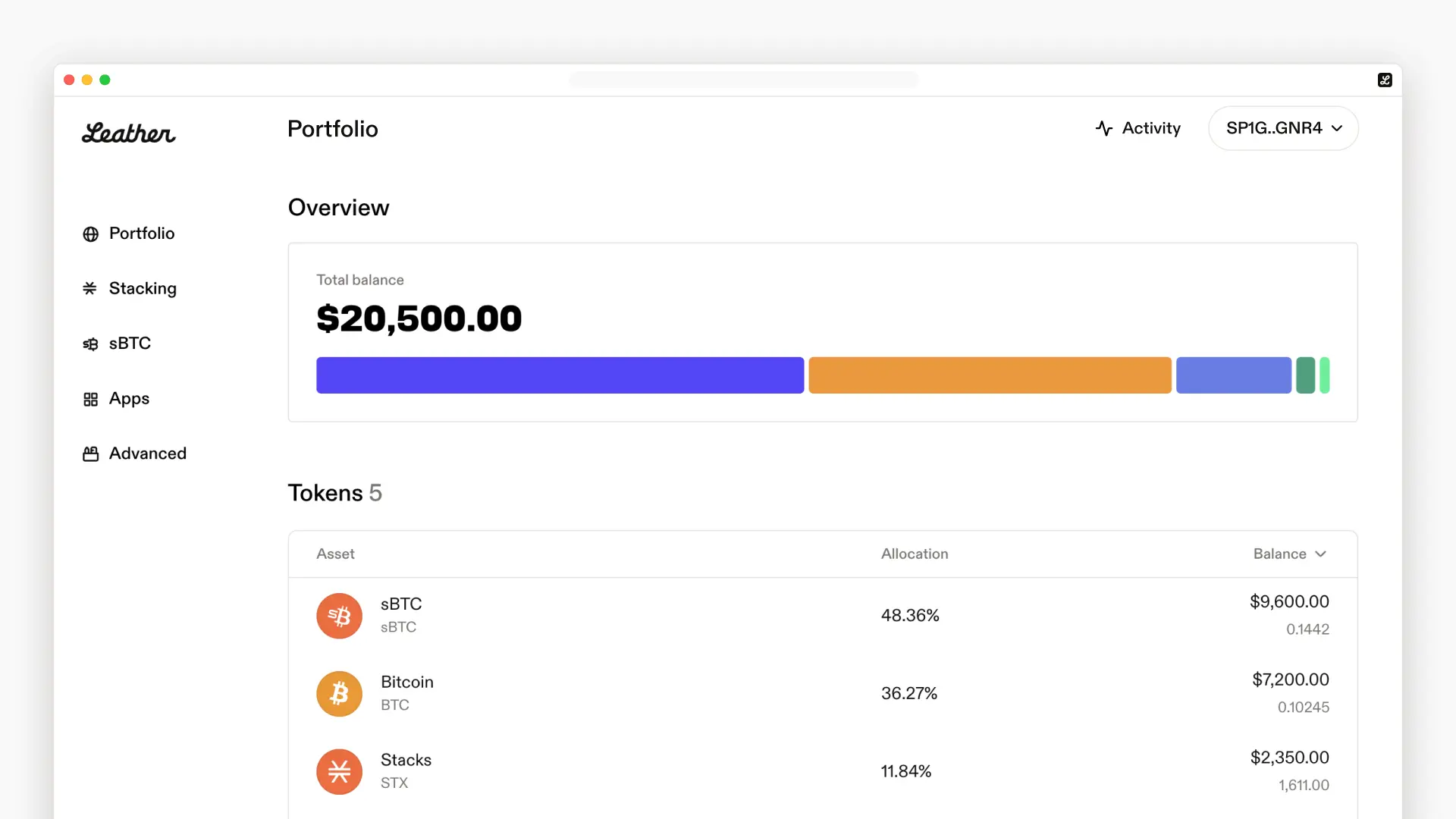
Connect your wallet at leather.io/portfolio to get a complete picture of your holdings—total value in USD, a breakdown of each token's share, and your recent activity.

What's included

Total balance at a glance
Your combined BTC and STX holdings displayed in USD. No more switching between tabs.

Visual breakdown
A stacked bar chart shows how your portfolio is allocated across tokens. See which assets make up your holdings and how they compare.

Token details
A sortable table lists each token with its current allocation percentage and balance. Find what you're looking for quickly.

Recent activity
Your latest transactions in one feed. Track what's moving without digging through block explorers.

This is the first step toward a fuller portfolio experience in Leather. We'd love to hear what you want to see next.

Homepage redesign

Homepage redesign

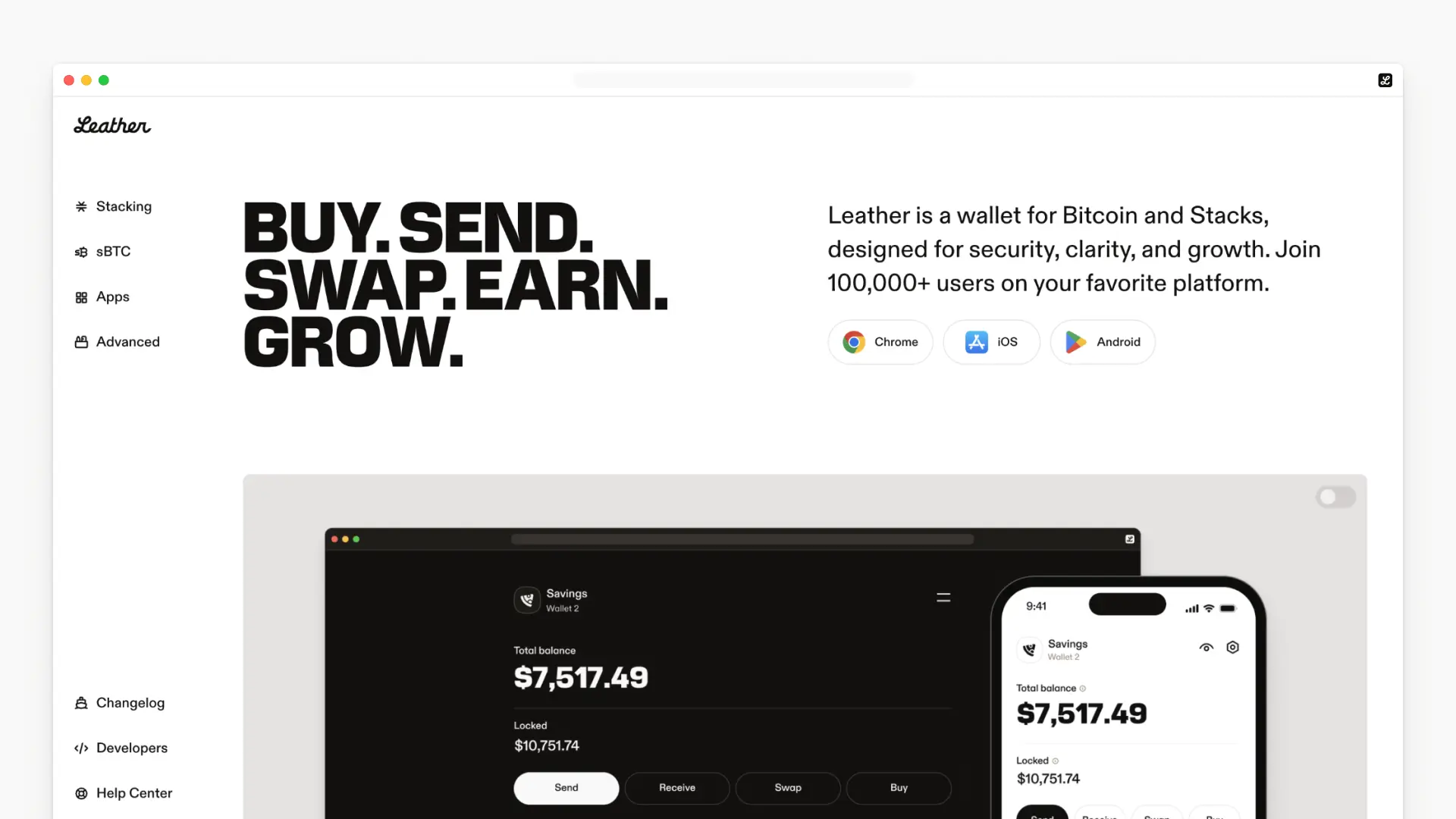
Updated our homepage with a product-first approach. Features are now showcased with animated UI demos, and we've refined the typography, colors, and layout for better presentation across screen sizes.

Improved wallet balance accuracy, coverage and load times

Leather extension has been updated with a more precise and efficient wallet interface. This release improves fiat price coverage, token ordering, and wallet load performance.

Fiat balances for more SIP-10s

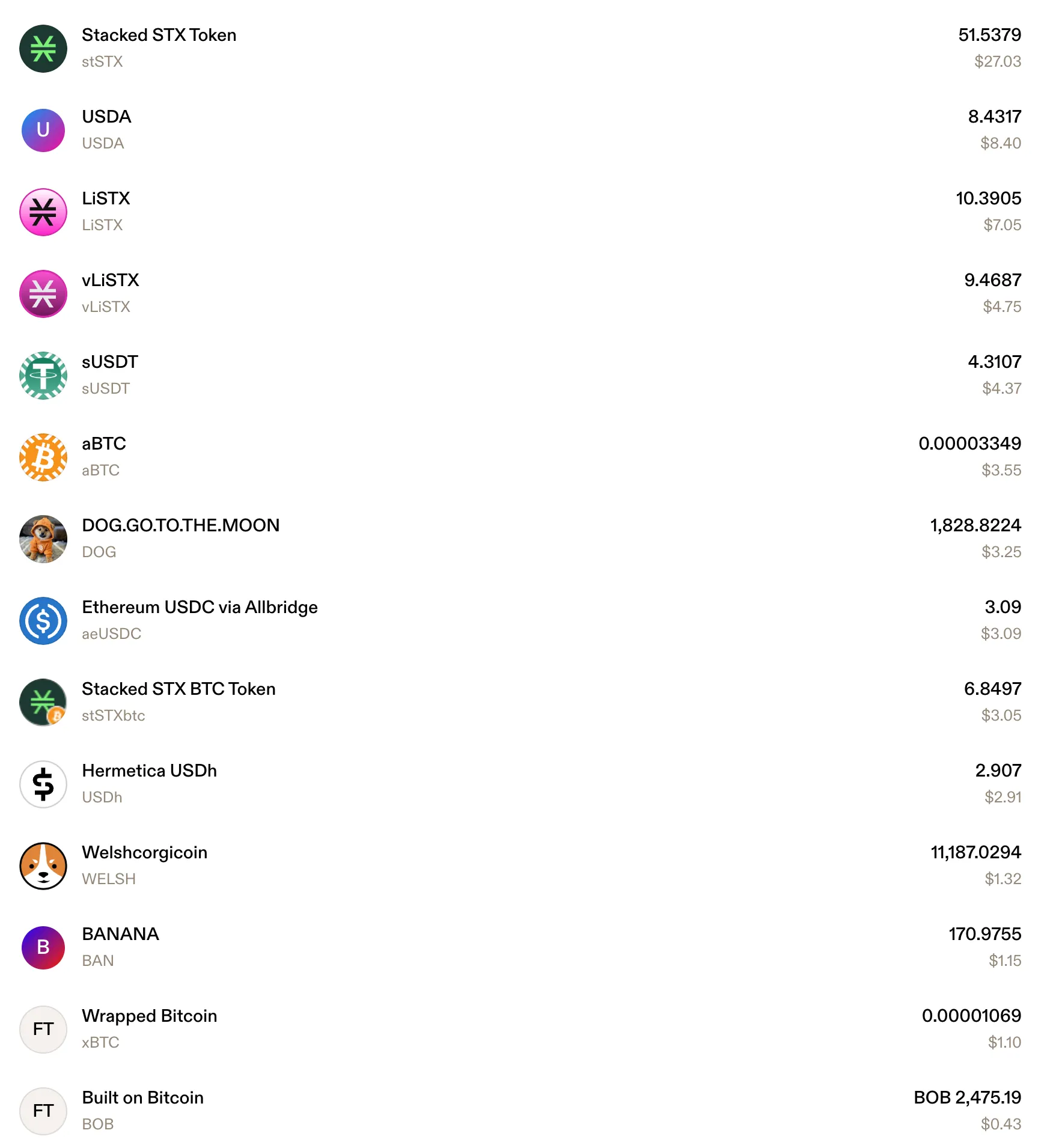
Wallet balances now include fiat values for a wider range of tokens. Tokens such as USDh, stSTX, VELAR, and aeUSDC now display accurate fiat equivalents.

Biggest balances first

Assets are now ordered by fiat value using updated pricing data, ensuring the highest-value tokens appear first.

Prices, but faster

Backend infrastructure updates have significantly reduced load times for wallet balance and price data.

We are deprecating the Leather Desktop Wallet launched in 2019. The application will no longer receive updates or security fixes. User should migrate to the Web Extension for continued support.

The desktop wallet was originally introduced to meet the community’s need for wallet creation and Ledger device integration, especially for STX holders participating in Stacking. Since then, development has shifted to the Web Extension and mobile app. Ledger support is available in the Web Extension.

Mobile app launch

Mobile app launch

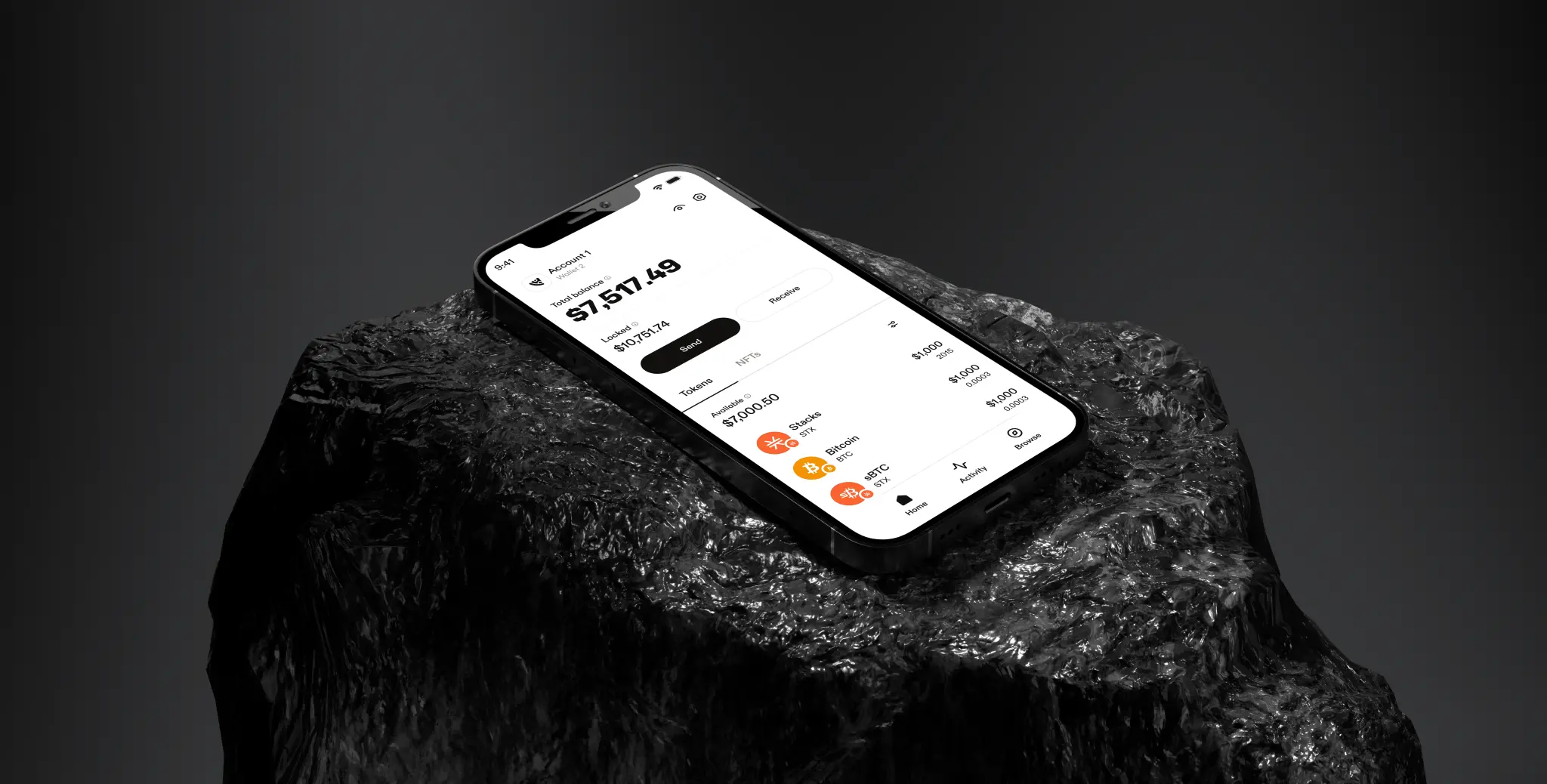
Introducing our mobile app. Available for Android and iOS.

As in our Web Extension, you're able to manage assets and collectibles on both Bitcoin and Stacks, and connect to dApps with the in-app browser.

Only install apps via our official links.

Available in v6.70.0, this release brings full support for SIP-30, a standard API that makes it easier for apps to interact with the Stacks ecosystem through a consistent interface.

With SIP-30, developers can now call standardized methods—like stx_transferStx to initiate a transfer—without needing to manually construct JWT payloads or rely on custom libraries. This simplifies integration, reduces developer friction, and makes it easier for apps and wallets to work together smoothly.

Open up the developer console and try it out.

await LeatherProvider.request('stx_transferStx', { recipient: 'SP3TB3AJ0XMZ9S6CGY2CQ6R06H1Z6DJQ1SH15ZP2H', amount: 100_000 })

These new APIs are supported across both the Leather mobile app and browser extension, giving developers a unified way to build Stacks-powered experiences. For end users, this translates into faster, more reliable interactions with Stacks applications directly from their wallet.

SIP-30 methods are also available through @stacks/connect. Developers can find additional usage examples and detailed documentation to help streamline their integration process. See the documentation for more examples.