Help Center
Wallet
Show/hide or manage tokens
Prior to version 6.94.2 of the Leather extension you could scroll down on home page of the wallet and find a button “Manage tokens” to show or hide fungible tokens in your wallet.
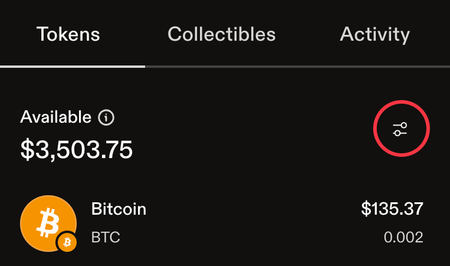
Recently that button to manage your tokens was placed above the list of tokens. You will select the “Tokens” tab in the wallet and then click the menu slider-icon to the left of the “Available balance” line, this will open the page to show/hide tokens in your wallet.